 MyClawBots
MyClawBots vs Zapier: a bot that does the work vs pipes that move the data
- comparison
- automation
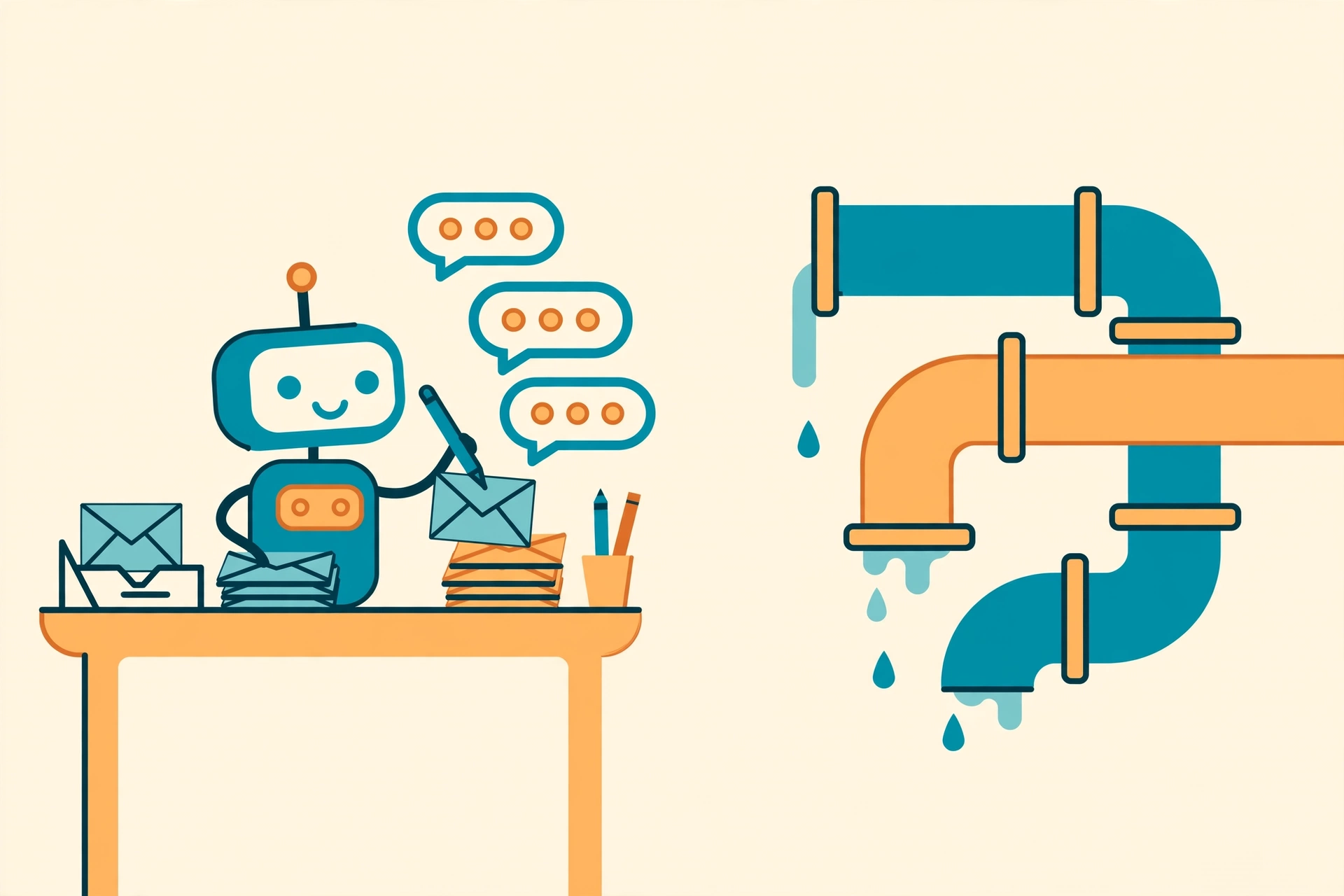
You built a 12-step workflow to follow up with every lead. It runs without errors. And you are still losing deals to slow replies.
The problem is not your workflow. It is what the workflow can do. Trigger-based automation tools move data between apps: when a new lead appears, add a row, send a message, wait two days, send another. That is plumbing. It breaks the moment a task needs judgment, which is exactly what follow-up is.
Where trigger-based automation stops
A Zapier-style workflow is a recipe you write in advance. If the lead asks a question your recipe did not expect, the workflow cannot answer it. If a lead is clearly hot, it still waits the two days you programmed. If they reply "not now, ask me in March," the workflow files them under "replied" and marches on.
Every exception becomes another branch. Every branch is another step you built, tested, and now have to maintain. When one of the connected apps changes its API or renames a field, the step that depends on it breaks quietly, and you find out from the lead you lost.
This is not a knock on the category. For pure data plumbing, moving a form submission into a spreadsheet and notifying a channel, a connector tool is the right answer. It is cheap, fast to set up, and the failure modes are obvious.
What a bot that does the work looks like
MyClawBots starts from the other end. Instead of building the steps, you describe the outcome: follow up with every new lead within minutes, reference what they actually said, book them if they are interested, hand them to me if they are not sure.
The bot runs in the cloud around the clock, in its own private workspace, and does the work like a person would: reading the message, deciding what matters, writing a reply that fits. When a lead says "ask me in March," the bot remembers March. You do not build a branch for that. There is nothing to build.
Side by side
| Trigger-based automation (e.g. Zapier) | MyClawBots | |
|---|---|---|
| You write | Every step, branch, and message | The goal and the rules |
| Handles judgment calls | No: unexpected inputs stall or misfire | Yes: the bot reads and decides |
| Maintenance when apps change | You fix the broken steps | The bot adapts to the task, not the wiring |
| Best for | Moving data between apps on a fixed path | Ongoing work that needs judgment |
The honest limits
A bot is not always the right tool, and here is where we lose to a connector.
First, breadth. Mature connector platforms plug into thousands of apps. If your job is pure plumbing between five niche tools and no judgment is involved, the connector wins on coverage.
Second, clarity. A bot is only as good as its instructions. If you cannot describe what good follow-up looks like in a few sentences, the bot will guess, and guesses are how you get a weird email. Write the instructions like you are briefing a new hire.
Third, price for trivial work. MyClawBots starts at Lite $29/mo, with Pro at $59, Max at $119, and Team at $59 per seat. If you genuinely have one simple automation, a connector's free or cheap tier may cover it. Come back when the work needs someone, not something, doing it.
What to do next
Pick one task that currently dies in your workflow's branches: the follow-up that needs a real reply, the inbox that needs triage, the lead list that needs research before the call. Describe the outcome you want and run it on the 3-day free trial. No credit card, no wiring diagrams.
If the bot handles it, you just deleted twelve steps. If it does not, you will know exactly why, and that tells you what to fix in the instructions.