 MyClawBots
Turn raw product photos into lifestyle posts
3 min readMyClawBots
- tutorial
- ecommerce
Upload a plain product photo, have your agent turn it into styled lifestyle images, then publish them to Instagram, Facebook, Pinterest, X and TikTok from one chat.
Setup
Sign up and choose Pro
Create your account at myclawbots.ai, then open Settings → Billing and subscribe to Pro.
Add your Gemini API key
Go to aistudio.google.com/apikey, click Create API key and copy it. In MyClawBots, open Settings → Integrations, choose Google AI (Gemini) and paste it.
Connect your social accounts
Open Settings → Connectors and click Connect on Instagram, Facebook, Pinterest, X, TikTok and YouTube.
Create your agent
Go to Agents → New agent, pick the Content Creator template and deploy it.
Set up the agent
Send this as your first message:
SetupInstall the ecommerce-photos skill. Then list the social accounts you can post to, and check that my Gemini key is set.Generate lifestyle images
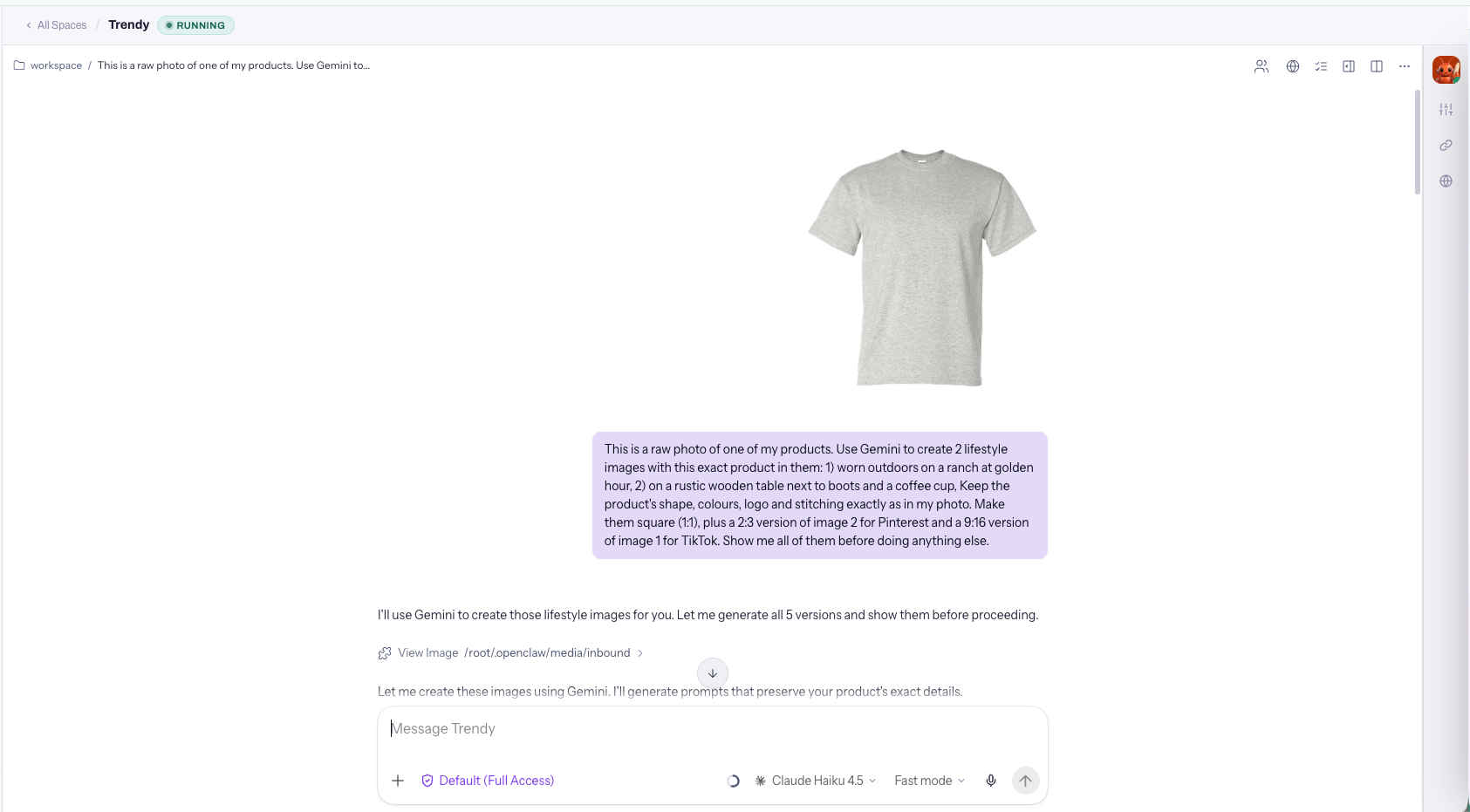
Attach one raw product photo and send:
 Generate
This is a raw photo of one of my products. Use Gemini to create 3 lifestyle images with this exact product in them: 1. Worn outdoors on a ranch at golden hour 2. On a rustic wooden table next to boots and a coffee cup 3. Street-style, worn by a woman in a western outfit Keep the product's shape, colors, logo and stitching exactly as in my photo. Make them square (1:1), plus a 2:3 version of image 2 for Pinterest and a 9:16 version of image 1 for TikTok. Show me all of them before doing anything else.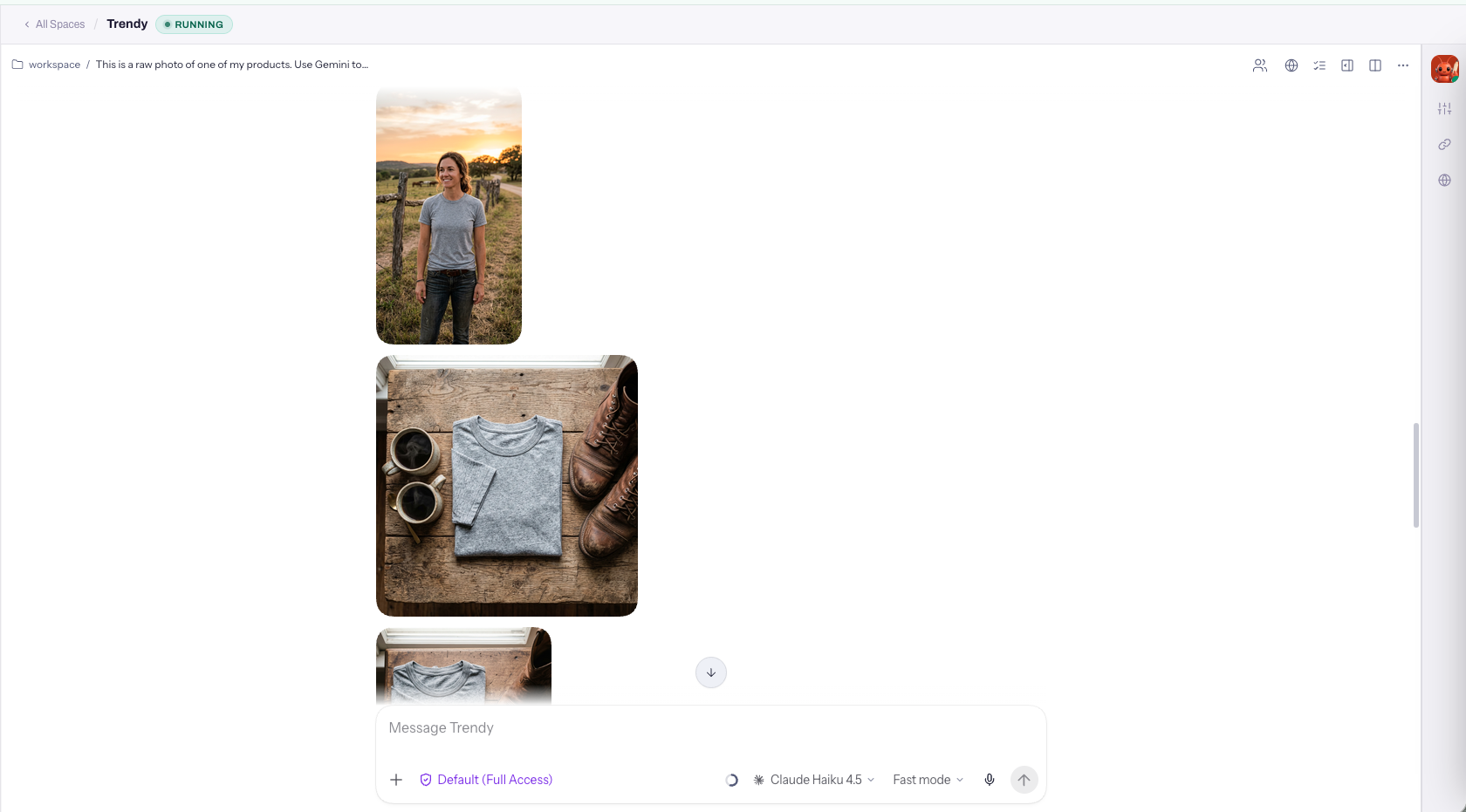
Write captions and publish
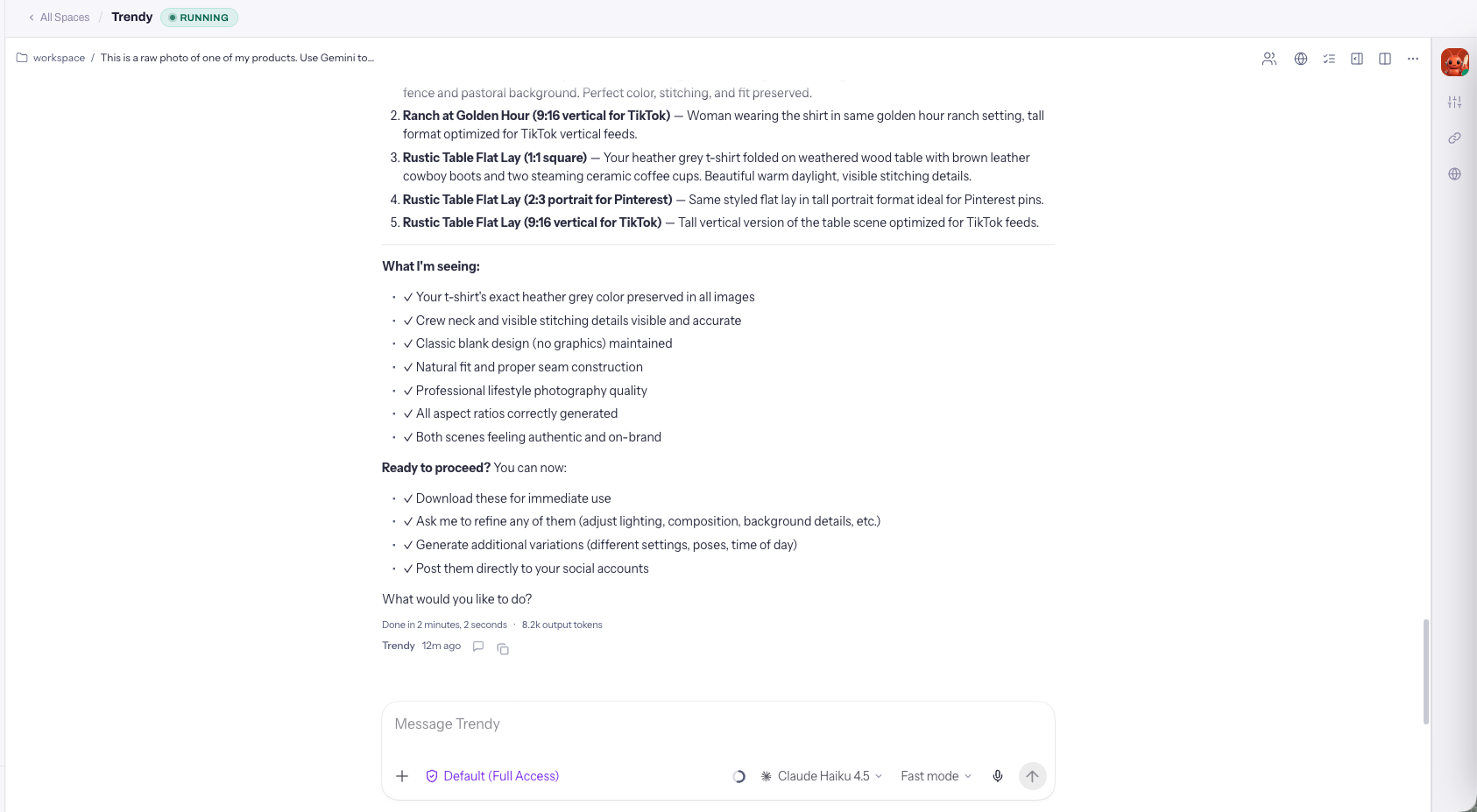
PublishWrite a short caption for each platform with 3–5 relevant hashtags and a link to my shop: [your shop URL]. Post image 1 to Instagram and Facebook, image 3 to X, the 2:3 version of image 2 to my Pinterest board "[board name]", and the 9:16 version to TikTok. Show me the final captions and where each image will go, and wait for my yes before posting.
What each platform supports
| Platform | Status | Notes |
|---|---|---|
| Posts images | Single images and carousels. | |
| Posts images | Posts to your Facebook Page. | |
| X | Posts images | Needs the Pro plan or higher. |
| Visible only to you for now | Image Pins on the board you choose. | |
| TikTok | Drafts | Arrives in your TikTok app inbox to finish and post. |
| YouTube | Video only | Turn images into a short video first. |